 Devoria
Publish an app on the App Store for the first time
To publish an app on the App Store, you need a tested build, its listing and the info App Review needs, then you submit from App Store Connect. A build available in TestFlight isn't a published app yet. Here's the order of operations, the useful checks and templates to prepare your submission; the Apple Review Kit also includes my pre-submission checklist and skills that review your app.
By Mehdi Azizi · Reviewed on
What you'll learn
- App Store Connect without getting lost
- You know where to create your app, versions and subscriptions, and what each App Store Connect screen is for.
- A listing that follows the rules
- Title, subtitle, description, and the subscription block Apple expects for a paid app, with links to your terms and privacy policy.
- Accurate privacy disclosures
- You declare what your app actually collects. A disclosure that doesn't match the app's behavior is enough to get rejected.
- Clear notes for the reviewer
- You learn to explain to Apple's reviewer how to reach each feature, so they don't get stuck on a screen.
- Your submission checked before sending
- Before you submit, the review skills go through your project, paywall and listing, and tell you what to fix.
Step by step
- Step 1
You open your Apple developer account and create your app in App Store Connect.
- Step 2
You test your app with TestFlight and create your subscriptions.
- Step 3
You write your listing, take your screenshots and fill in privacy.
- Step 4
You run the checklist, fix what needs fixing, then submit your app to Apple.
What steps do you follow in App Store Connect?
Set up your developer account and create the app record. Then upload a signed build, wait for processing, test it and select the right build number for the version you're submitting. Fill in what that version requires: text, screenshots of the real app, age rating, support, privacy and any access the reviewer needs. The developer account guide covers sign-up and its fees separately.
In the version, "Add for Review" adds the app to a draft submission: that alone doesn't send it to Apple. Review the draft's items, then use "Submit for Review". If you're submitting your first subscription, also add the subscription and its group to the same submission with a new app version, following Apple's procedure. Check what's included before sending.
Set up your Apple Developer account and publishing budget
What should you check before submitting?
Replay the reviewer's path on the chosen build, from a fresh install. If sign-in is required, add an active demo account in App Store Connect's dedicated fields and keep your server services reachable. Notes should say which buttons to tap, the expected result and any hardware requirements. No private credentials should appear in a public document.
Check three things together: what the listing promises, what the app actually does and what you declare about data. Open the support and privacy links. If the app sells a subscription, check the billed price display, a test purchase and restore. For each check, keep the version, build number and proof: that way you can explain exactly what was tested.
Download the App Review notes template
How do you handle a rejection without guessing at fixes?
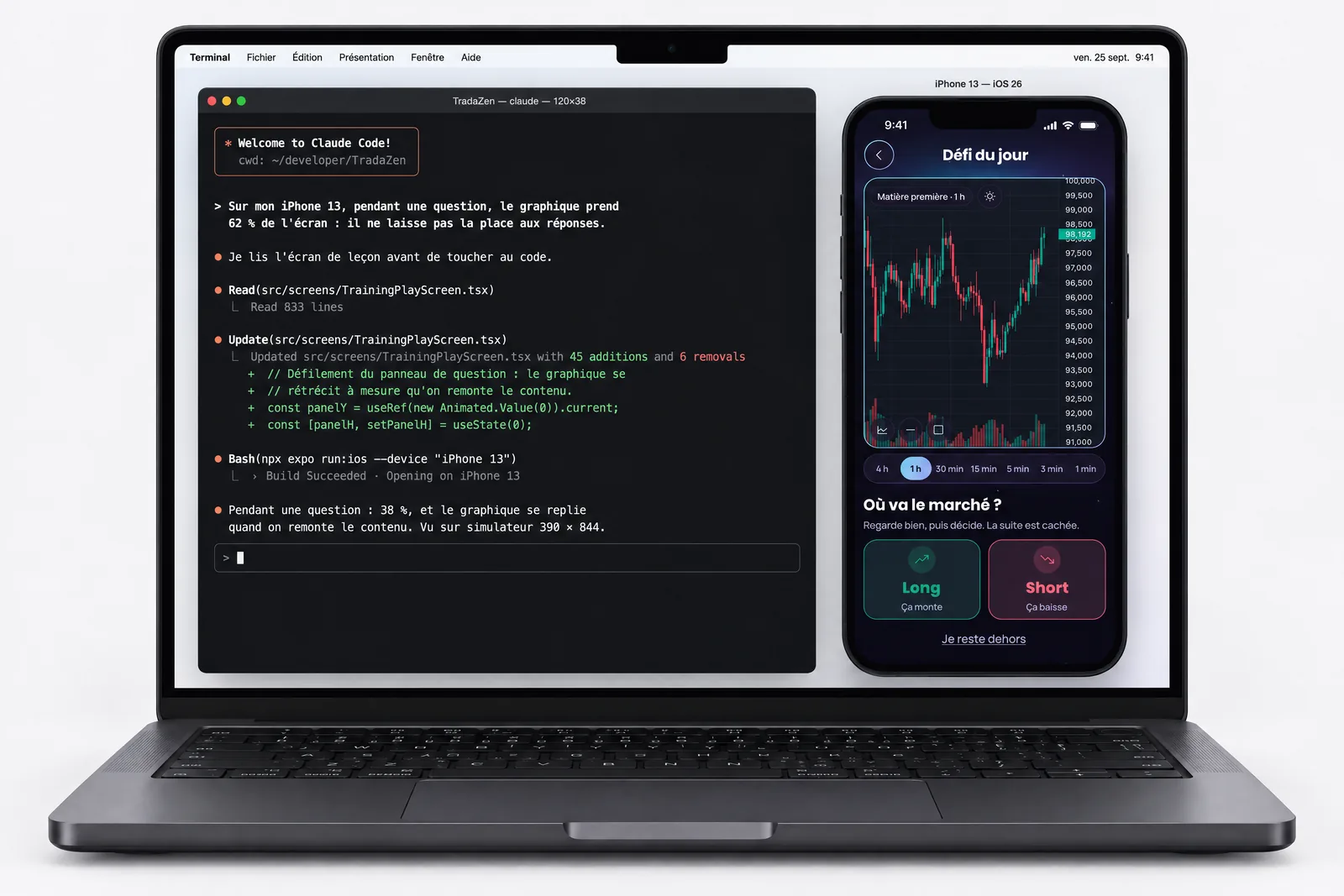
Keep Apple's message, the rule number, the device mentioned and any attached screenshots. Reproduce the issue before changing the app. In the TradaZen write-up, I cover a paywall where the weekly price stood out more than the billed amount, then how I fixed that display. So the check is about what the reviewer sees, even when payment technically works.
Your reply should tie the reason to a verified fix: affected version, changed behavior and how to see it. The notes template also includes a rejection reply outline. Plan your launch around a possible re-review; neither a successful TestFlight nor the length of a past review guarantees the approval date. The timelines guide explains follow-up steps and release options.
Why learn with me
I've published my own apps, and I've been rejected too: a welcome demo the reviewer couldn't get past (rule 2.1), a subscription promo image that reused the icon (rule 2.3.2). The Apple Review Kit is built on these real cases, not a theoretical list.
Read the TradaZen story, from building it to Apple's rejections and launch.
Start with the free guides
FAQ
Do you have to pay Apple to publish an app?
Yes, Apple requires a yearly developer program membership. The account is in your name and paid directly to Apple, on top of the kit.
How long does Apple's review take?
It varies from app to app, and Apple sets the pace. What takes time on your end is preparing the submission, and that's where the Apple Review Kit helps.
Is my app sure to be approved?
No, nobody can guarantee that: Apple has the final say. The checklist rules out the most common rejection causes, and if Apple rejects, the kit helps you find the cited rule and an example fix.
Is the kit useful for an almost-finished app?
Yes, that's exactly when it helps: you need an almost-ready iPhone app and Claude Code.

Apple Review Kit
Everything I check before sending an app to Apple, and two skills that do the review with Claude Code. €29.