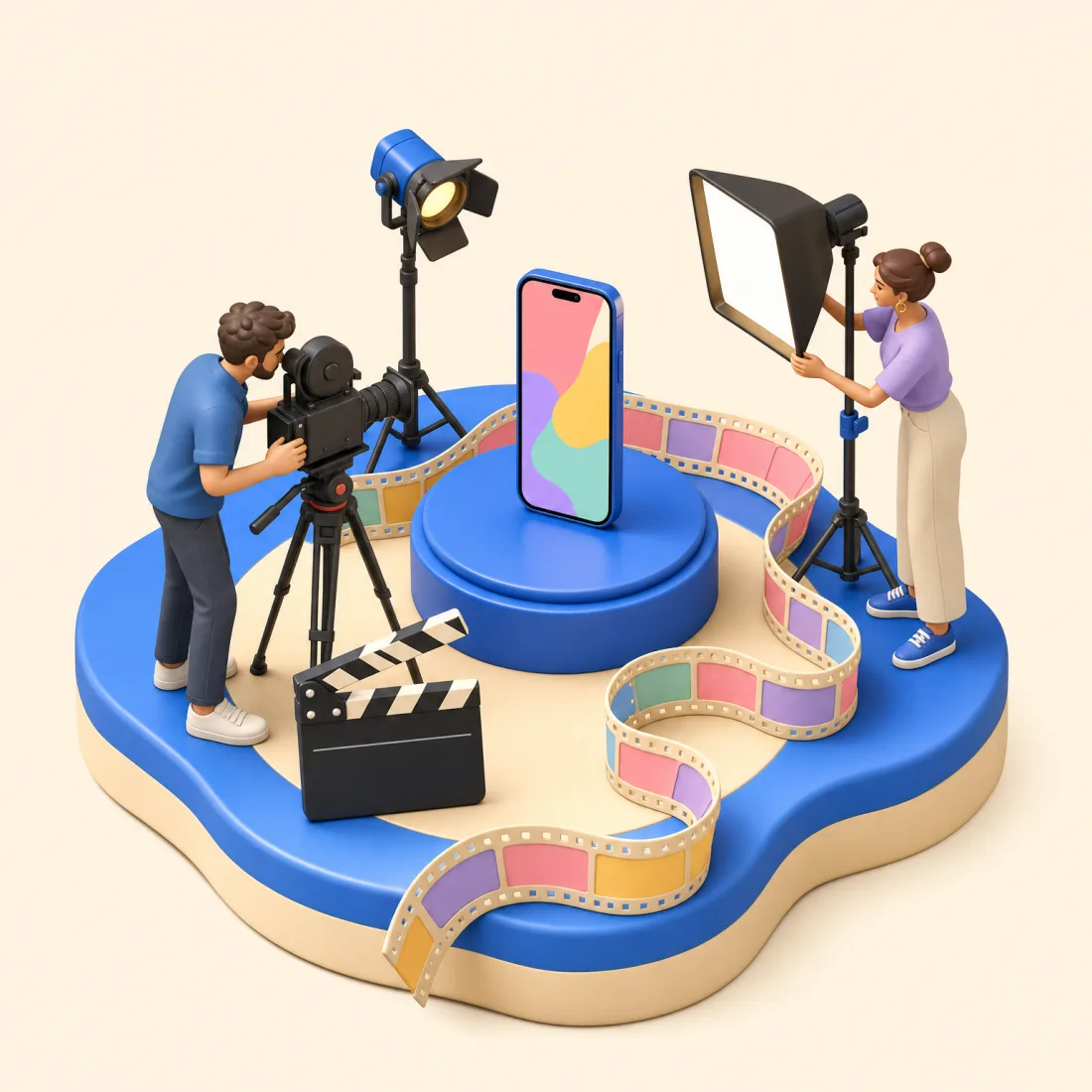
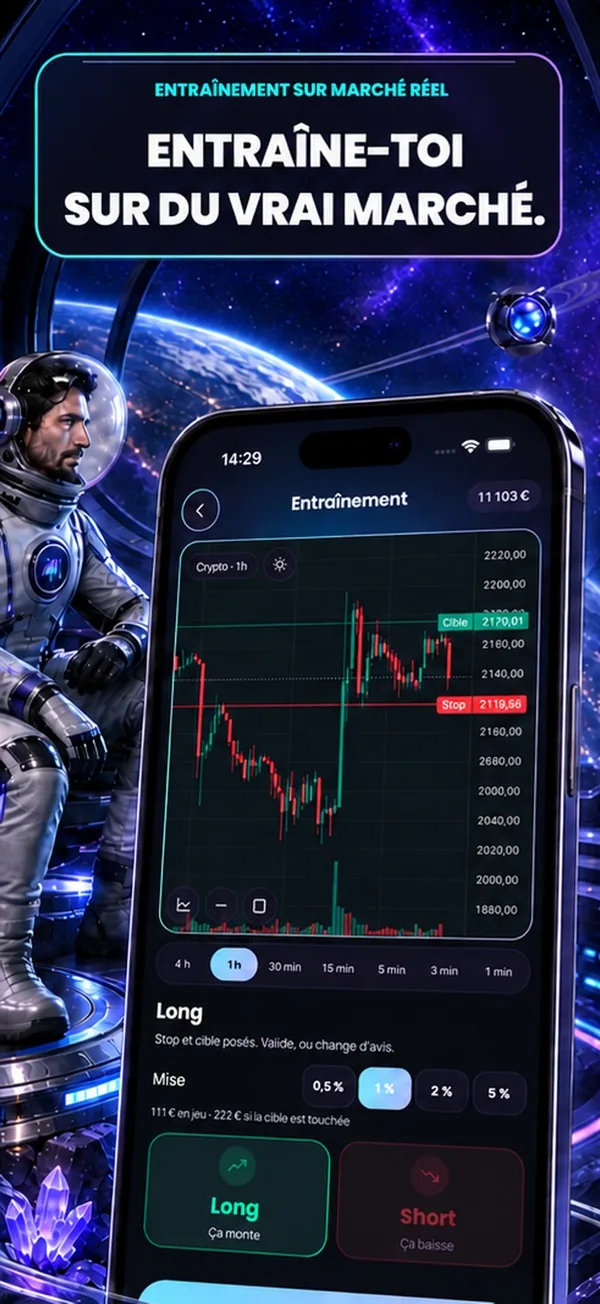
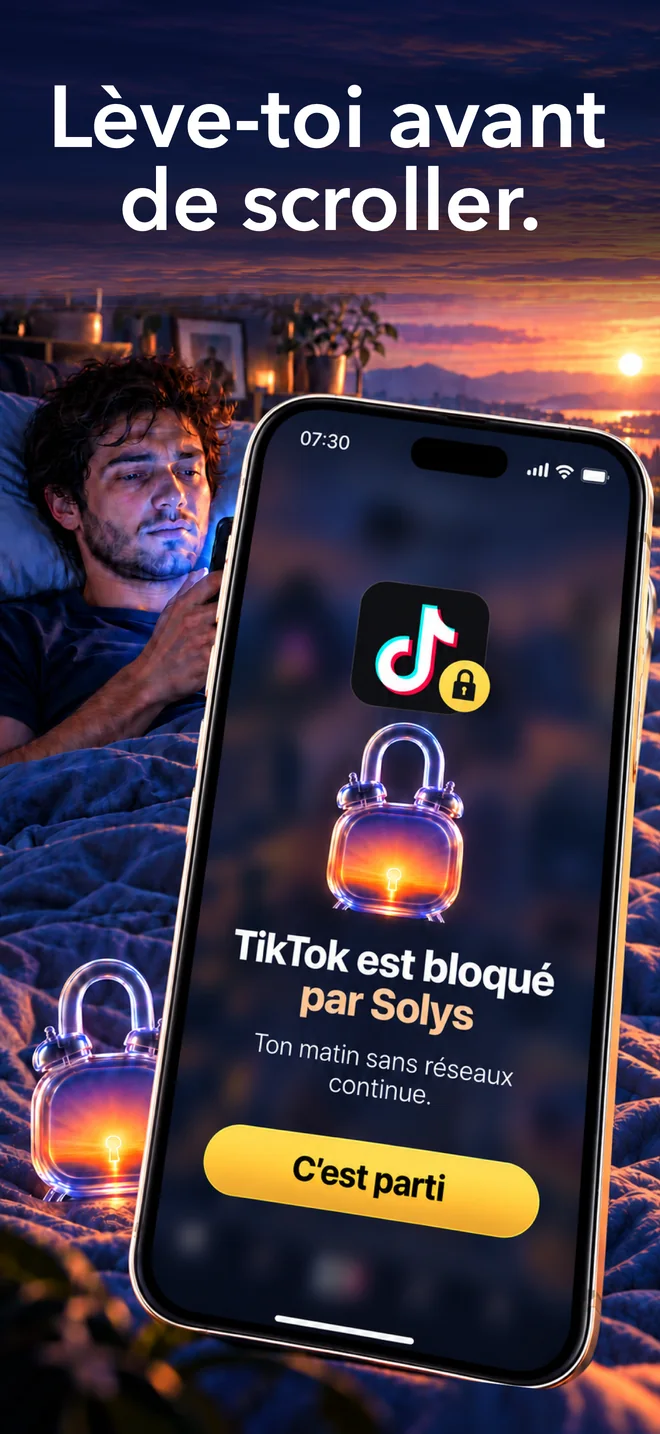
The studio I use to make my apps' videos, in code: a TikTok short, the App Store app preview video, a film. Claude writes the film using the method and the effects library; the tools measure the result frame by frame.
$55.99one time
Secure payment via Stripe
Credit card
Apple Pay
PayPal
Instant download
Delivered in English
Lifetime updates
80 effects, each rated 9/10 by a second Claude instance using the kit's rubric, with their settings and pitfalls.
A 12 s 9:16 short and the iOS 27 App Store preview video, ready to reuse.
Deterministic rendering: the same code gives the same video, down to the pixel.
Tools that check the MP4: audio-video sync, loudness, flashes, clipped text, looping.
What you'll get
Three excerpts from the kit, as is.
The effects library
Each effect is a function of time, with its use case, default settings and pitfalls. Eight sets: fundamentals, shorts, native iOS, data, typography, texture, transitions, camera.
3-la-banque-d-effets.md
FX.decodea price, a signal, a result being revealed
FX.revelationLignesa title over two or three lines
FX.surligneurthe word that matters
FX.foueta change of place or idea at full energy
FX.encrea chapter opener, the brand color
FX.glitchan error, a warning
The short, timed
The 12 s 9:16 template: a hook, three ideas, a call to action, a loop. The cues.js file is the single source of timing; both picture and sound read from it.
Before you publish, controle.py runs the audit, the MP4 measurements and the photosensitivity check, then writes a report. Here's the template's, as is.
out/qualite/RAPPORT.md
600 frames at 50 fps (12.00 s), 1080 × 1920
Audio-video sync: 11 hits, median offset +5 ms
Loudness: −14.1 LUFS, true peak −5.2 dBTP
Flashes above 3 per second: none
Verdict: no blocking issues (0 defects, 0 warnings)
What's in the box
The 80-effect library
Eight sets, each rated 9/10 by a second Claude instance using the kit's rubric: typography, native iOS, data, materials, transitions, camera. Each comes with its settings and its pitfalls.
The templates
A 12 s 9:16 short, the App Store page video header (iOS 27) and a real short from my app TradaZen, annotated.
Render and QA tools
Deterministic rendering with Playwright and ffmpeg, pre-render audit, MP4 checks: sync, loudness, flashes, clipped text, loop.
The libraries and the skill
10 hooks, 40 visual worlds, 16 free fonts, 3,600 icons, 144 CC0 sound effects, and the Claude Code skill that applies the method.
Or all four kits, with the code and the path
My apps are on the App Store
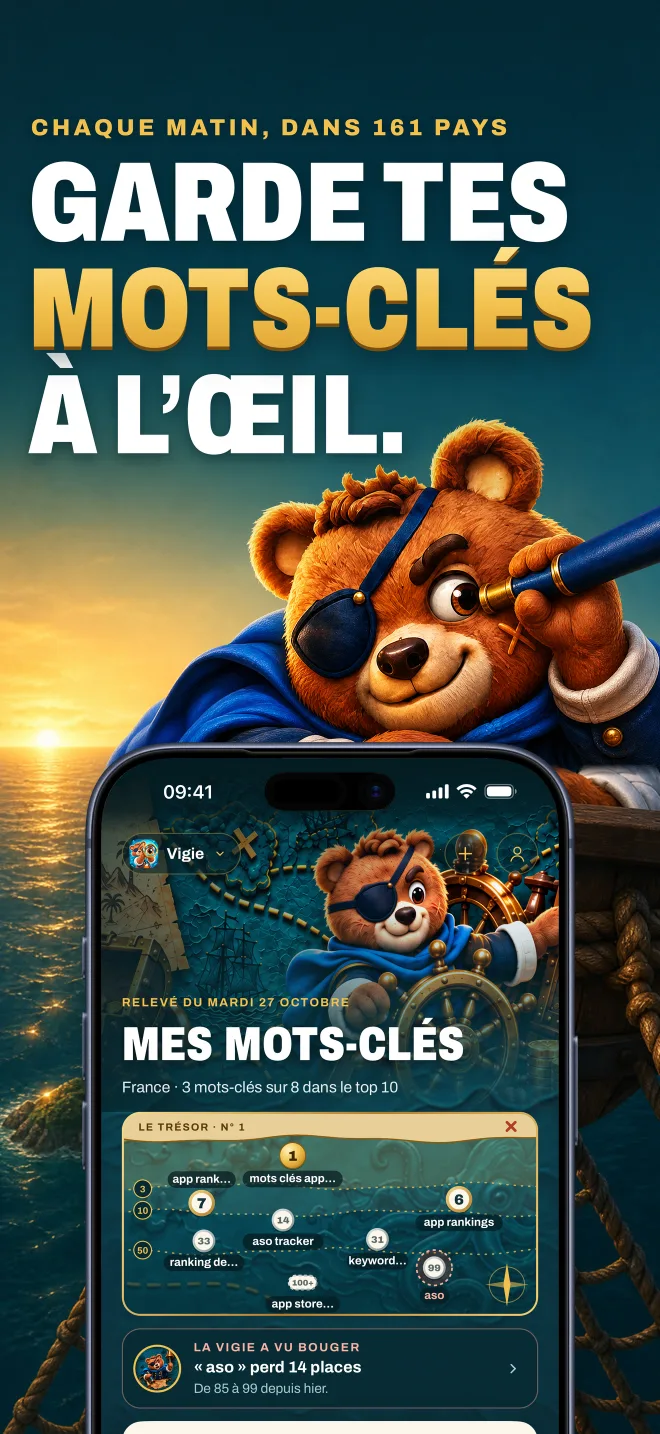
The Starter Code comes from TradaZen, Solys and Nolera. The App Store Screenshots Kit reuses their screenshot sets and Vigie's. Check them out, they're on sale.
In January 2026, I was doing e-commerce. I had never published an app. I opened Claude and went for it.
With Claude, a prompt isn't enough. It needs code that runs, clear rules, and checks. The kit brings together what I learned publishing my apps. Got a question? Message me on WhatsApp, I answer myself.
Three steps, in order, and what the kit gives you for each.
Step 1
You write the brief
One sentence, a format, a length, a call to action.
In the kit
2-les-formats.md
Step 2
Claude writes the film
Using the method, the templates and the effect library.
In the kit
gabarits/
3-la-banque-d-effets.md
/motion-design
Step 3
You render and check
Audit, render, MP4 check, then independent review until it hits 8.5/10.
In the kit
studio/controle.py
FAQ
Do I need After Effects or an editor?
No. The film is an HTML, CSS and JavaScript file, rendered frame by frame by an automated browser. A fix is a line of code, not a timeline.
I've never made a video.
The kit gives Claude the method, the templates and the effects. You write the brief, watch the render and decide. The tools measure what your eye misses: flashes, sync, loudness, clipped text.
What about voiceover and music?
The kit ships 144 royalty-free sound effects and explains the mix. For voiceover, it covers a free local voice and ElevenLabs. No music is included: the kit tells you how to pick a track and sync it.
What's the App Store video header?
Since iOS 27, your App Store page can open on a video. The kit gives you the template at Apple's dimensions, with the safe zone and what's not allowed, and explains how to upload it in App Store Connect.
What doesn't the kit do?
It doesn't generate AI video, and it doesn't ship music or 3D: everything is written in code, from your screens and your copy. It's built for iOS: the phone is drawn as an iPhone, and it targets the App Store app preview video. For Google Play, the 16:9 template works as your promo video.
 Devoria